In short: An allocation number (mispar haktzaa) is a number the Israel Tax Authority assigns to a tax invoice. Since June 1, 2026 it is required on every tax invoice above ₪5,000 before VAT that a licensed dealer issues to a business customer. Without it, the customer cannot deduct the VAT on the invoice. In Quickly Invoice the allocation number is added to the invoice automatically, straight from your phone.
Allocation numbers in 2026: when an Israeli invoice needs one and how to get it
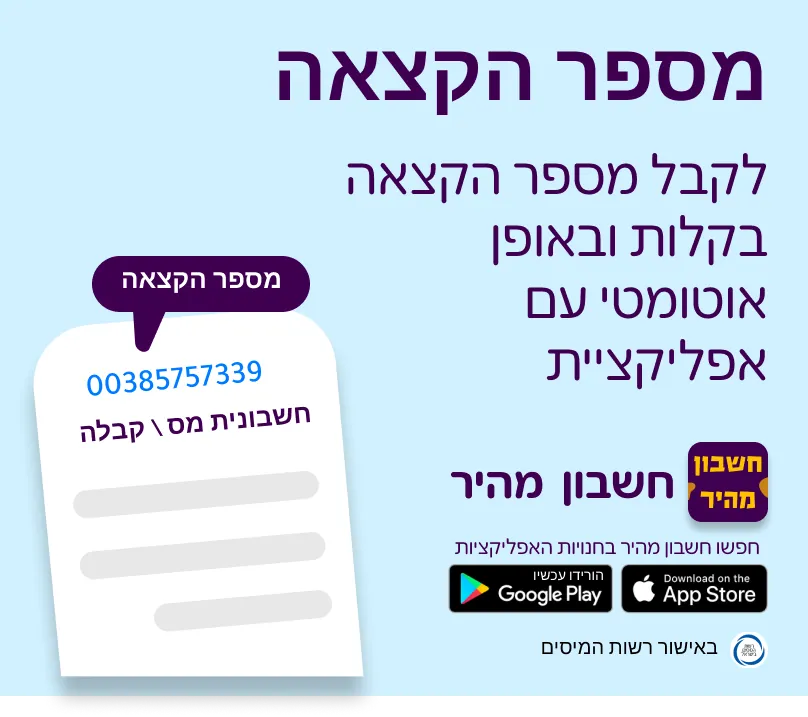
What is an allocation number?
The allocation number is part of the Israel Tax Authority's "Israel Invoices" reform, which aims to stop fictitious invoices. Every tax invoice above the threshold gets a unique number from the Tax Authority, and only with that number can the customer deduct the VAT.
Without an allocation number on the invoice, a business customer cannot reclaim the VAT on the expense.

From what amount do you need an allocation number?
The threshold has come down in stages. Today, since June 1, 2026, every tax invoice above ₪5,000 before VAT needs an allocation number.
| From | Tax invoices above (before VAT) |
|---|---|
| May 2024 | ₪25,000 |
| January 1, 2025 | ₪20,000 |
| January 1, 2026 | ₪10,000 |
| June 1, 2026 (today) | ₪5,000 |
As of October 2026, the Tax Authority has not announced a date for a further reduction. Received an invoice from a supplier? You can check its allocation number with the Tax Authority's supplier invoice verification service.
Who needs an allocation number?
- Licensed dealers (osek murshe) and limited companies issuing a tax invoice to a business customer, when the amount before VAT is above the threshold.
- An exempt dealer (osek patur) does not issue tax invoices, so does not need an allocation number.
- An invoice to a private customer, who does not deduct VAT, does not need an allocation number.
How do you get an allocation number in Quickly Invoice?
First you need an active account in the Tax Authority's digital services. Don't have one? Open it on the Tax Authority website: open a Tax Authority account.
Already have an account? Connect it to the app:
- Open the Quickly Invoice app on your phone.
- On the main screen, tap the activate button in the allocation number card.
- Choose to set up an authorization. No Tax Authority account yet? Choose to create one.
- Sign in to the Tax Authority website following the instructions, and you are done.
Allocation numbers are included in the Quickly Invoice full plan. See all plans and prices.
Where does the allocation number appear?
The allocation number is added to the invoice automatically. The official number from the Tax Authority appears on your invoice with no copying and pasting from other systems, which saves time and avoids mistakes.
Frequently asked questions about allocation numbers
Does an exempt dealer (osek patur) need an allocation number?
No. An exempt dealer does not issue tax invoices, so it does not need an allocation number.
Do I need an allocation number on an invoice to a private customer?
No. An allocation number is needed when the customer is a business that deducts VAT. A private customer does not deduct VAT, so their invoice does not need one.
What happens if an invoice has no allocation number?
If the amount before VAT is above the threshold, the business customer cannot deduct the VAT on the invoice. That is why business customers ask for invoices with an allocation number.
The bottom line
- Since June 1, 2026, every tax invoice above ₪5,000 before VAT needs an allocation number.
- Without an allocation number, a business customer cannot deduct VAT.
- In Quickly Invoice the number is added to the invoice automatically, on the full plan.